 LazyList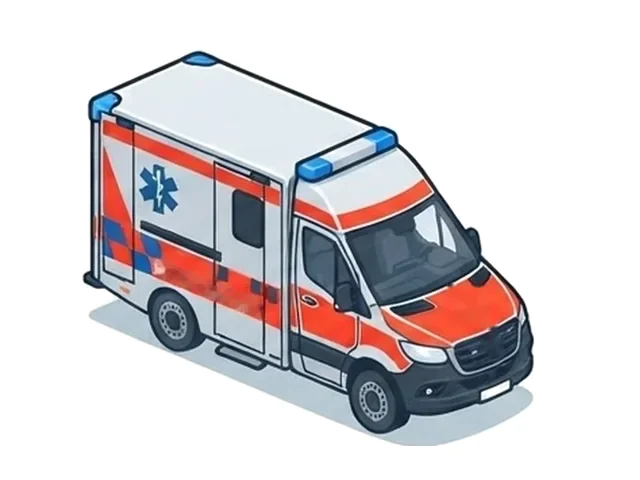
RTW Emergency ambulance
From the emergency backpack to the medication cabinet, area by area.
After a call, tap or say what was used. The station has the order instantly and packs the box before the vehicle is back.
Each vehicle class comes with its own loading list. The crew sees exactly what belongs on their vehicle.
From the emergency backpack to the medication cabinet, area by area.
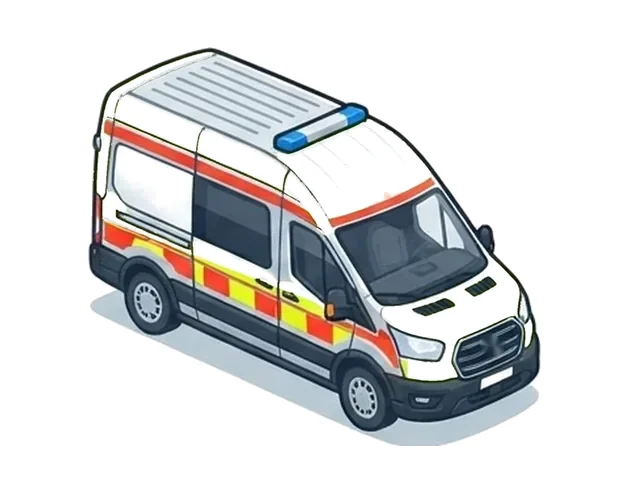
A lean list for patient transport, without clutter.
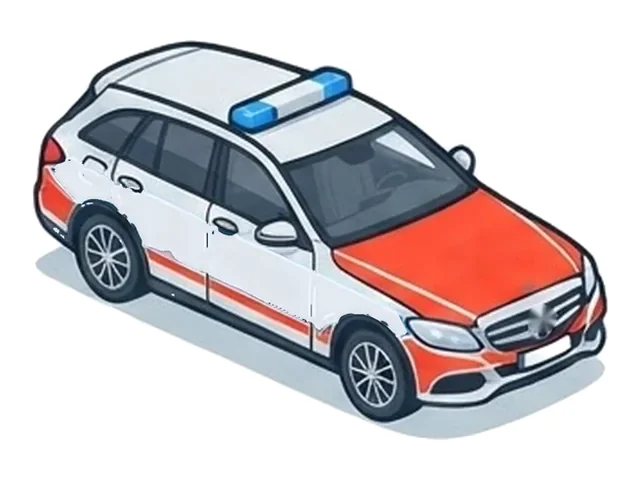
Its own medication and equipment items that only the NEF sees.
Your organisation adds further vehicle classes itself, with its own picture if you like.
As a paramedic, I know the problem from my own shifts: after a call, whatever had been used was noted on small slips of paper or in a phone. The colleagues at the station only received that list at handover. Only then could packing begin, and valuable time was lost every single time.
LazyList grew out of that experience. Today the order reaches the station from anywhere, often while the vehicle is still on its way back. The station packs before the vehicle returns. After arrival, restocking is done straight from the packed box, and the vehicle is ready for the next call sooner.
Paul SchauenburgParamedic and developer of LazyList
The order goes out on the way back. The station packs while the vehicle is still on the road.
Example sequence.
Write the usage on a slip of paper or type it into a phone.
Pick the compartment in the vehicle and tap what was used. Or just say it.
The list only reaches the station at handover.
The order is on the station tablet instantly, while the vehicle is still on its way back.
Only now does packing start, with a search through the stockroom.
The box is packed and waiting. The receipt follows the order of the storage cabinets.
Every vehicle shows its own compartments and items. Each item shows the target quantity and where it is stored in the vehicle.
The check walks through the loading list, from backpack to module bags to drawers, and shows the target quantity for every item.
Try it out. This is a demo, nothing is saved.
The key screens, from the first tap to the finished order. Shown here with sample data.
The tablet shows new orders immediately and prints them on an 80 mm receipt printer, via Bluetooth or USB. Own app with receipt preview and optional kiosk mode.
Items are listed in the order of the storage cabinets. The vehicle is complete again sooner.
New orders print by themselves. If paper runs out or the printer fails, auto print stops and tells you.
They appear on the receipt in their own warning box. Before sending, the app already asks whether the log was kept.
LazyList does not come hard-wired. Your organisation sets it up itself.
Every organisation has its own, separate data. Devices join with a PIN.
Your organisation maintains stations, vehicles, items, loading lists and storage order itself.
Take a photo or PDF of a loading list, check the result, accept it, instead of typing everything.
Optional one-time codes per person, time-limited and revocable at any time.
Voice input, auto print, access codes and AI import can be switched on and off per organisation.
Easy to read in daylight and at night, with an accent colour your organisation chooses.
LazyList is built for material and quantities. Nothing more is needed.
Entering it is expressly prohibited. The app is only meant for material and quantities.
The database is located in Belgium and transmission is encrypted. Only the devices and administrators of an organisation can access its data.
The apps work without advertising and analytics services. This website sets no cookies.
Transparent: voice input and AI import voluntarily use Google services, which may involve processing outside the EU. Both are shown before use. More in the privacy policy of the apps (German).
Describe your situation briefly via the contact form. I will get back to you personally, show you LazyList and set up your organisation together with you: stations, vehicles, loading lists. The devices then join with a PIN.
That depends on the size of your organisation and the scope you want. Write to us briefly and you will receive a non-binding quote before anything is set up.
On Android phones and tablets. The station has its own tablet app. Printing is done on an 80 mm receipt printer via Bluetooth or USB. Further platforms are planned.
No. LazyList is intended exclusively for material and vehicle information. Names or medical details do not belong in notes or in voice input.
No. LazyList is an aid for materials management and does not replace required documentation, for example no patient report form and no controlled-substances log. Responsibility for the complete equipment of the vehicle remains with the crew and the service.
Orders are collected in the outbox of the device and sent automatically as soon as a connection exists again. For emergencies, the usual procedure, a slip or a shout, remains valid.
Describe your situation briefly. I will get back to you personally, show you LazyList and set up your organisation together with you, without obligation.